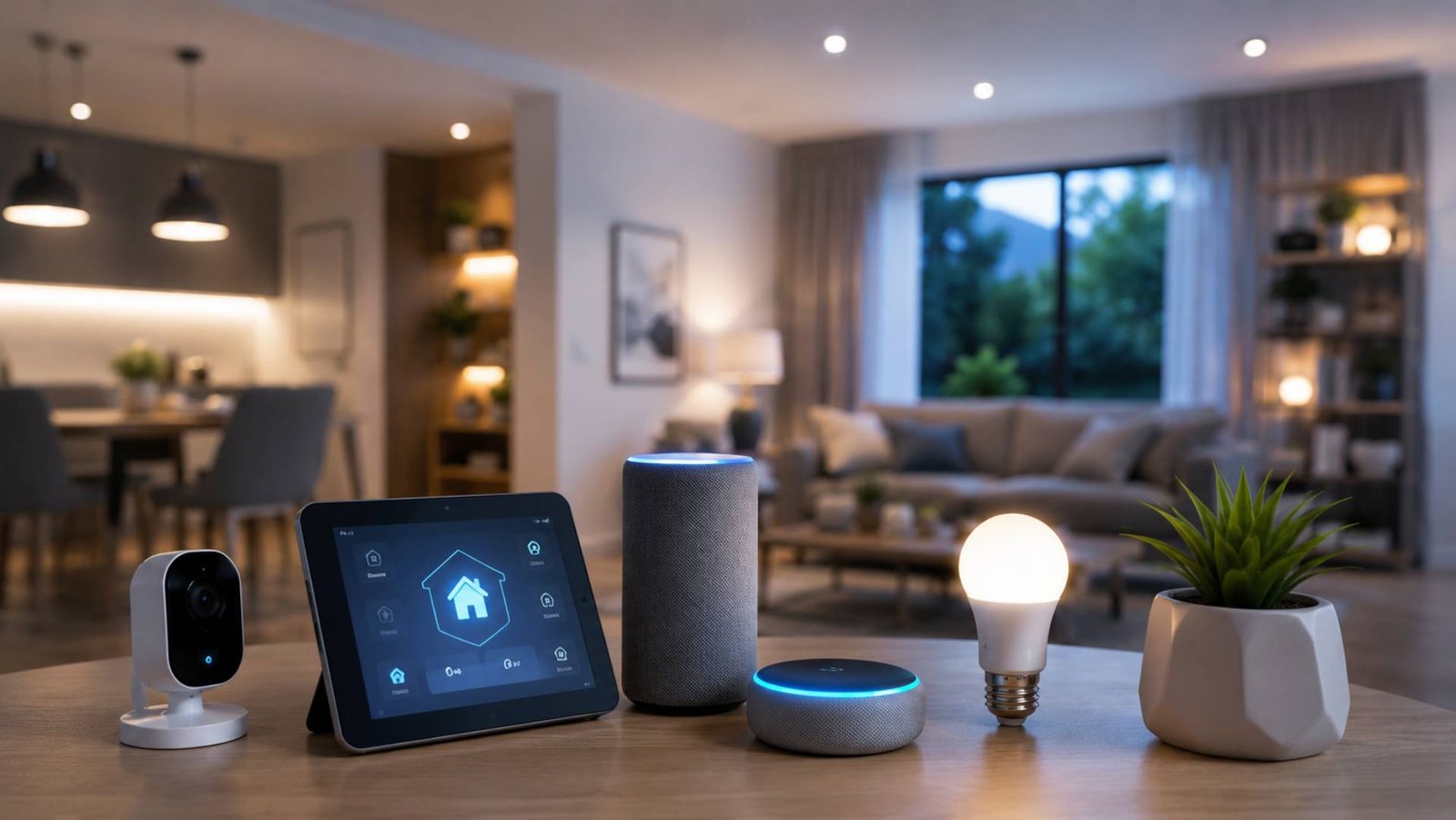
A smart home does not have to mean filling every room with gadgets. The most useful connected homes start with a simple question: What do you want your home to do better?
You might want stronger home security, easier lighting control, lower energy use, more comfortable temperatures, or simple automation that saves time every day. Once those priorities are clear, it becomes much easier to choose the right devices and avoid spending money on technology you do not really need.
Building a smart home is less about buying individual gadgets and more about creating a connected system that works reliably together.
What Is a Smart Home?
A smart home uses connected devices that can be monitored, controlled, or automated through a network.
Depending on the setup, you might control devices from a smartphone, tablet, dedicated controller, smart display, or voice assistant. Some devices can also respond automatically to schedules, motion, temperature, light levels, or other conditions.
Common smart home devices include:
- Smart lights and switches
- Smart thermostats
- Door and window sensors
- Smart locks
- Security cameras
- Motion sensors
- Smart plugs
- Connected appliances
- Smart speakers and displays
- Energy monitoring devices
- Leak and smoke detection systems
The important point is that a smart device should solve a genuine problem. Connectivity alone does not make a home better.
Start With Your Priorities
Before buying anything, identify the areas where smart technology could make the biggest difference.
Security
Smart locks, cameras, motion sensors, door sensors, and video doorbells can provide additional ways to monitor and manage a property.
Think about what you actually need. A small apartment may require a very different security setup from a detached family home.
Comfort
Smart thermostats, automated blinds, temperature sensors, and lighting controls can make everyday routines more convenient.
For example, heating or cooling can be adjusted according to schedules or occupancy rather than running unnecessarily when nobody is home.
Energy Management
Smart plugs, energy monitors, thermostats, and connected appliances can help you understand and manage household energy use.
The biggest benefit often comes from identifying waste rather than simply adding more connected equipment.
Entertainment
Smart speakers, televisions, streaming devices, and multi-room audio systems can make entertainment easier to control.
Accessibility
Automation can be particularly useful for people who have difficulty reaching switches, adjusting thermostats, or carrying out repetitive tasks.
Voice control, automated lighting, smart locks, and scheduled routines can reduce the number of physical steps involved in everyday activities.
Make a Smart Home Plan Before Shopping
Once you know your priorities, create a simple plan.
Consider each room and ask:
- What problem am I trying to solve?
- Which device could solve it?
- Does it need a permanent power supply?
- Does it require a hub or controller?
- Does it work with my existing devices?
- What happens if the internet connection fails?
- Will I still find the device useful in several years?
This process prevents one of the most common smart-home mistakes: buying interesting devices individually without considering how they will work together.
Understand Hubs, Controllers, and Platforms
Smart devices need a way to communicate with you and, in many cases, with each other.
Some devices connect directly to your home network and are managed through an app. Others communicate through a hub or controller that acts as a central point.
A controller can help coordinate different devices and automate routines.
For example, a single routine might:
- Turn off selected lights
- Lock connected doors
- Adjust the thermostat
- Arm security devices
- Switch off selected smart plugs
The exact capabilities depend on the devices and platform involved.
When choosing a smart-home ecosystem, think beyond today’s purchase. Consider how easy it will be to add devices later and whether the platform supports the types of automation you expect to use.
Check Compatibility Before Buying
Compatibility is one of the most important considerations in smart-home planning.
Two devices may both be described as “smart” but still offer limited communication with each other.
Before purchasing, check:
- Supported smart-home platforms
- Required hubs or bridges
- Wireless connectivity
- App compatibility
- Automation support
- Voice-assistant compatibility
- Local versus cloud-dependent features
- Subscription requirements
Industry standards can improve interoperability, but support still varies between devices and features. Always check the manufacturer’s current compatibility information before making a purchase.
Understand How Smart Devices Communicate
Smart-home devices can use different communication methods.
Wi-Fi is common because many homes already have wireless networks. It works well for devices that need substantial data connectivity, such as cameras and streaming equipment.
Other smart-home devices may use lower-power communication technologies designed for sensors, switches, and similar equipment.
Bluetooth can also be useful for certain nearby connections and device setup.
The important lesson is that you do not necessarily need every device to use the same connection method. A well-designed system can use different technologies for different jobs.
Build Your Smart Home in Phases
You do not need to automate your entire house at once.
A phased approach is often easier and more affordable.
Phase One: Choose a Foundation
Start with the platform, controller, or app environment you expect to use most.
Then add a small number of devices that solve your highest-priority problems.
Phase Two: Add Useful Automation
Once the basics work reliably, introduce sensors and routines.
For example, a motion sensor could trigger hallway lighting at night, or a door sensor could help you monitor whether an exterior door has been left open.
Phase Three: Expand by Room
Once you understand what works, move into other areas of the house.
You might automate:
- Entryways
- Bedrooms
- Kitchen
- Living room
- Home office
- Outdoor areas
This approach allows you to learn from each stage rather than making a large investment based on assumptions.
Smart Home Ideas for Beginners
A beginner setup can be surprisingly simple.
You might start with:
- A few smart bulbs or switches
- One smart speaker or controller
- A smart plug
- A temperature sensor
- A smart thermostat if appropriate
- One security device
The objective is to establish useful routines rather than collect gadgets.
For example, a “Good Night” routine could switch off selected lights, adjust the thermostat, and activate appropriate security settings.
Smart Home Setup for Renters
Renters face additional limitations because permanent wiring and structural changes may not be allowed.
Fortunately, many smart-home improvements can be installed without modifying the property permanently.
Useful options can include:
- Smart bulbs
- Smart plugs
- Portable sensors
- Wireless cameras where permitted
- Voice assistants
- Removable smart controls
Before installing anything that changes locks, wiring, doors, or walls, check the terms of your tenancy and obtain permission where necessary.
Smart Home Ideas for Families
Families often benefit from automation that reduces repetitive tasks.
Examples include scheduled lighting, smart door locks, security notifications, temperature control, and smart plugs.
Shared access is also important. A smart home should not become difficult for other household members to use simply because one person understands the technology.
Choose systems that provide straightforward controls and appropriate account permissions.
Smart Home Technology for Older Adults
Smart technology can support independence when it is designed around real needs.
Voice-controlled lighting, automated routines, smart locks, temperature controls, and safety sensors can reduce the effort required for common household tasks.
Simplicity matters more than the number of features.
A system with five useful automations may be far more valuable than one with dozens of complicated routines that nobody remembers how to use.
Smart Homes During Renovation
Renovation is an excellent opportunity to consider smart-home infrastructure.
If walls are already open, you may be able to plan:
- Network cabling
- Electrical outlets
- Lighting controls
- Thermostat locations
- Security camera wiring
- Equipment locations
- Network equipment storage
Think about future requirements as well as current devices. Good infrastructure can remain useful even when individual smart devices are replaced.
Budgeting for a Smart Home
Smart-home costs can range from relatively modest to substantial.
Instead of setting a budget based on the number of gadgets you want, divide spending according to priorities.
Consider four areas:
Devices: The physical products you install.
Infrastructure: Networking, electrical work, wiring, and installation.
Control: Hubs, controllers, displays, or other central equipment.
Ongoing costs: Subscriptions, cloud services, replacement batteries, and maintenance.
A low-cost smart plug may have little ongoing expense, while a security system with cloud storage could involve recurring fees.
Check the long-term cost before committing to a system.
Standalone Devices vs Whole-Home Automation
There are two broad ways to approach smart-home technology.
Standalone Smart Devices
These are individual products that solve specific problems.
They can be affordable and easy to install. They are useful when you only want one or two smart features.
The downside is that several unrelated apps and systems can become inconvenient over time.
Whole-Home Automation
A more integrated system connects multiple parts of the home through common controls and routines.
This can provide more sophisticated automation, but it may require greater planning, installation, and investment.
The right approach depends on the size of your home, your goals, technical comfort, and budget.
Think About Your Home Network
A reliable network is the foundation of many smart homes.
Before adding numerous connected devices, consider whether your existing Wi-Fi provides adequate coverage.
Large homes, thick walls, multiple floors, and areas far from the main router can create connection problems.
You may need to improve network coverage before expanding your smart-home system.
It is also sensible to keep network equipment in a suitable location with appropriate ventilation and access to power.
Protect Your Smart Home
Connected devices can introduce additional security considerations.
Use strong, unique passwords and enable multi-factor authentication where available. Keep device software and associated apps updated.
Review account permissions regularly, especially if multiple people have access to your smart-home system.
Security cameras, microphones, smart locks, and other sensitive devices deserve particular attention because they can involve personal information or physical access to your home.
Also consider what happens if a device loses internet access. Critical functions should not depend entirely on a cloud service where a local alternative is available and appropriate.
Avoid These Common Smart Home Mistakes
Buying Devices Without a Plan
A collection of unrelated smart devices can quickly become difficult to manage.
Start with a clear objective instead.
Ignoring Compatibility
Always check whether devices can communicate with your chosen platform and whether the specific features you want are supported.
Over-Automating
Not everything needs to happen automatically.
An automation that repeatedly triggers at the wrong time can become more annoying than the manual action it was supposed to replace.
Forgetting Other Household Members
A smart home should remain usable for everyone who lives there.
Provide simple physical controls or alternative methods where appropriate.
Overlooking Subscription Costs
Some devices provide core functionality without subscriptions, while others reserve certain features for paid plans.
Understand the ongoing cost before purchasing.
Neglecting Network Reliability
A weak or inconsistent network can make even good smart devices frustrating to use.
Practical Smart Home Automation Examples
The best automations are usually simple.
Morning Routine
A morning routine might gradually turn on selected lights, adjust the thermostat, and provide information through a compatible smart display.
Leaving Home
A departure routine could switch off selected lights and plugs, adjust temperature settings, and activate security features.
Coming Home
A home-arrival routine might turn on entry lighting and restore a comfortable temperature.
Night Routine
A bedtime routine could turn off downstairs lighting, lock compatible doors, adjust the thermostat, and activate appropriate security settings.
Energy-Saving Routine
A schedule can reduce heating or cooling during periods when the home is normally empty and restore comfortable settings before people return.
How to Make a Smart Home More Reliable
Reliability should be a priority from the beginning.
Choose devices from manufacturers that provide ongoing software support and clear documentation. Keep firmware updated and avoid unnecessary complexity.
Also think about manual control.
A smart light should ideally remain usable if the automation fails. A smart lock should have an appropriate backup method. A thermostat should not leave you helpless because a phone app temporarily stops working.
The smartest home is not necessarily the one with the most automation. It is the one that continues to work when something goes wrong.
Frequently Asked Questions
How much does it cost to build a smart home?
There is no fixed cost. A basic setup can start with a few affordable devices, while whole-home automation can require significant investment in equipment, networking, electrical work, and installation. Start with your priorities rather than a predetermined number of devices.
What should I buy first for a smart home?
Start with the device that solves your biggest everyday problem. This might be smart lighting, a smart thermostat, security equipment, or a simple smart plug. Build from there once you understand what you actually use.
Do all smart-home devices need Wi-Fi?
No. Different smart-home products can use different communication technologies. Some connect through Wi-Fi, while others use other wireless protocols or a hub. Check the requirements of each device before purchasing.
Do I need a smart-home hub?
Not necessarily. Some devices can operate directly through a home network or their own apps. A hub or controller can become useful when you want to coordinate multiple devices and create more advanced automation.
Can I build a smart home if I rent?
Yes. Renters can use many portable or minimally invasive smart devices, including smart bulbs, plugs, sensors, and some security products. Always check tenancy rules before modifying wiring, locks, doors, or walls.
Conclusion
Building a smart home does not require a huge budget or advanced technical knowledge. The best approach is to start with a genuine need, choose compatible equipment, and expand gradually.
Begin with a few useful devices and learn how they fit into your daily routines. Then introduce sensors, automation, and additional rooms as the benefits become clear.
Think about compatibility, network reliability, privacy, security, installation requirements, and ongoing costs before buying. Most importantly, keep the system simple enough for everyone in the household to use.
A well-planned smart home should make everyday life easier, not more complicated. When technology quietly handles repetitive tasks while leaving you in control, connected living becomes genuinely useful.